
Step-by-Step Seller Guide
1. Navigate to the link that was given to you from the buyer
2. Click "Create account to manage offer" to Create your account, or sign into an already existing account

3. Follow the next steps to create your new account, or select the blue underlined Login if you already have an account

4. When creating your new account, follow the steps to get verified. You will need to be verified to complete the deal.
If you already have an account, skip to step 7
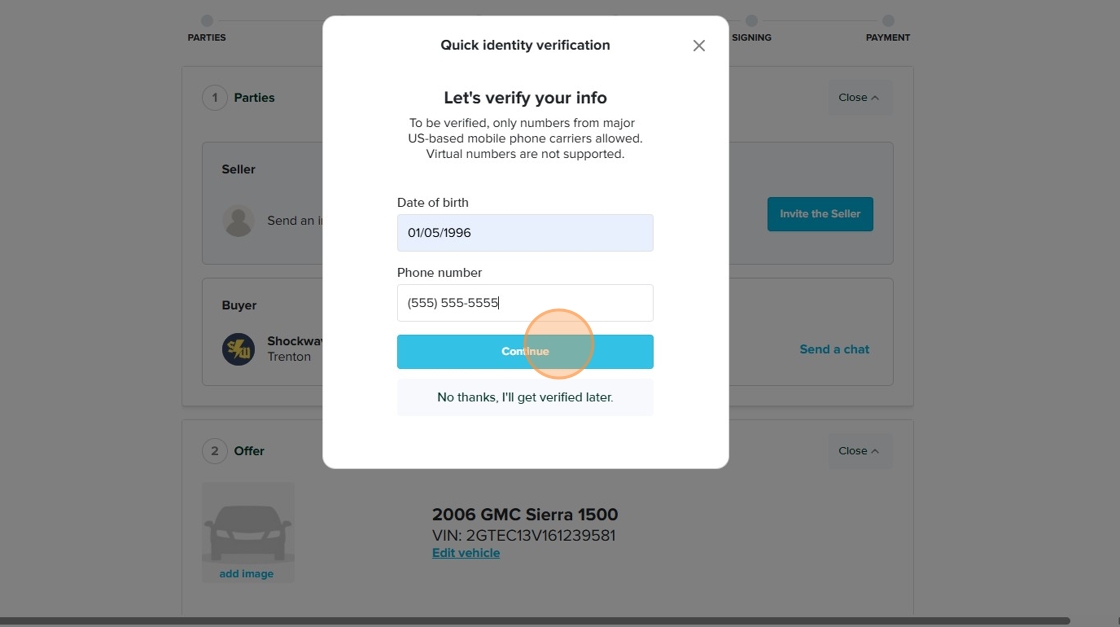
5. You will need to verify your phone by selecting the link that was texted to you

6. Review the information and Edit information with the blue text above the continue button if needed

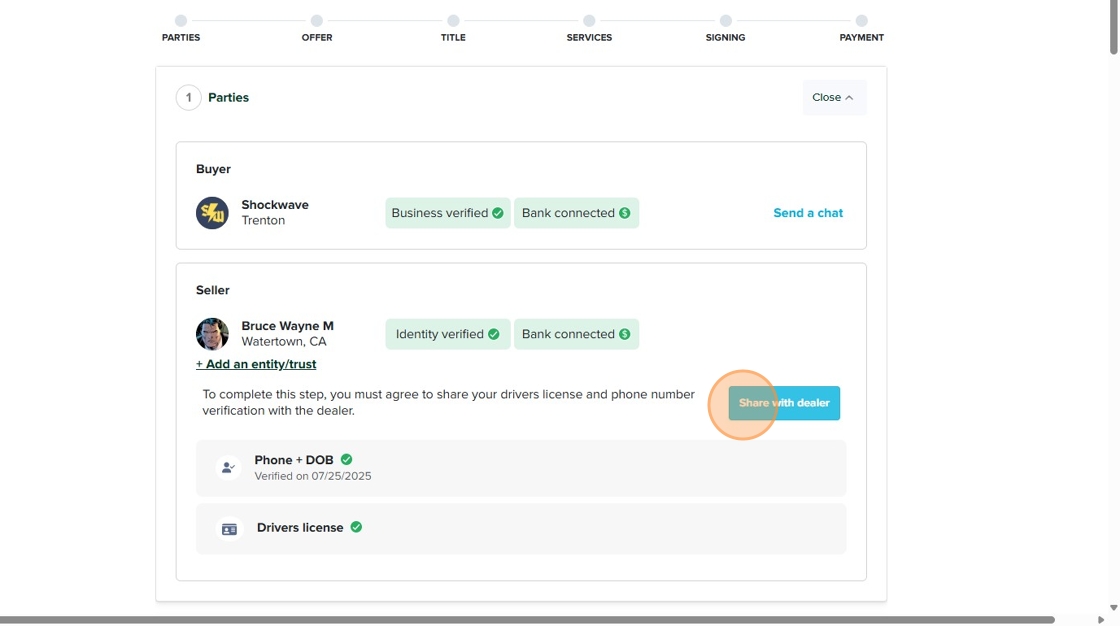
7. Review the information that the seller put in. If this is not your vehicle, or it is not your name under the title, do not claim that vehicle. The title holder needs to be the one who goes through the deal

8. Click "Share with dealer" or follow the steps to verify yourself and then share the details with the dealer.
9. Put in the the following details of your car:
License plate
State Title
Odometer details
And after those are accurately updated, Click "Yes, mark as confirmed"

10. Fill in step three accurately for the buyer to see and confirm

11. After the buyer has reviewed your information and confirmed it, you and the buyer can view and sign the final documents
