
Negative Equity Lien Payoff with Wire Transfer
When selling a financed vehicle on DealNow, sometimes the buyer’s offer does not fully cover the full loan payoff. This is called negative equity.
Don’t worry—the deal can still close. It just means the seller will need to cover the difference between the loan payoff and the purchase price using their Dpay wallet.
Add funds for negative equity deals
1. The seller will navigate to their deal

2. Find step five of the deal, called "Payment." Make a note of how much you will need to deposit found in the 'Seller deposit' boxes and click "Set up wallet"

Tip: Payoff amounts are only good for three days and will change if you do not close the deal within 3 days. So we recommend adding enough funds in the event the deal needs more time to close. Any amount not used for the negative amount can be withdrawn back to the seller.
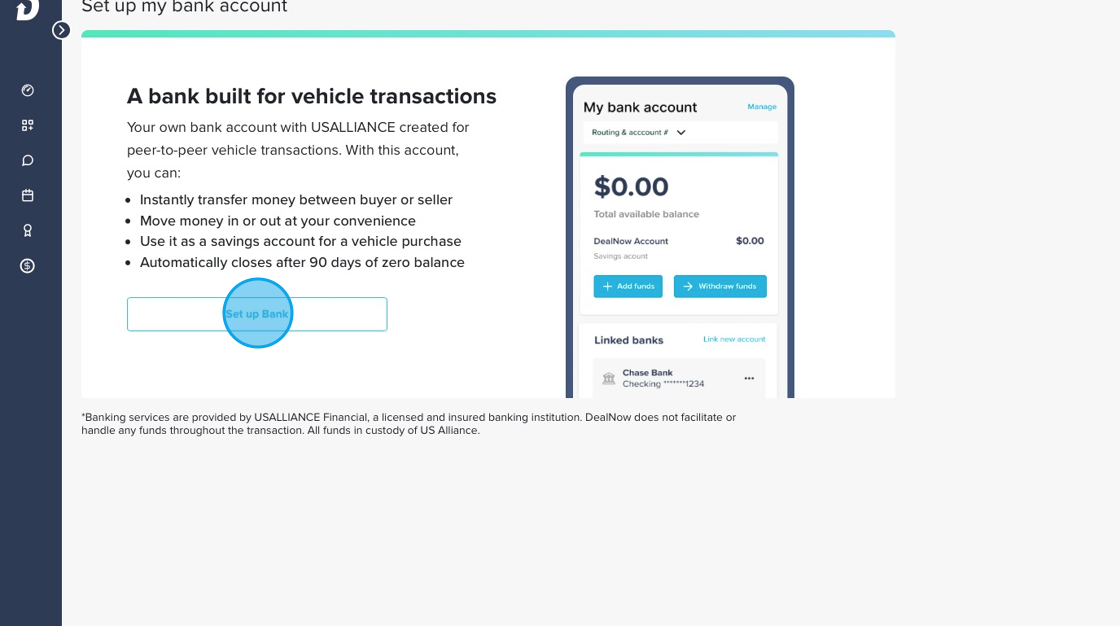
3. Click "Set up Bank"
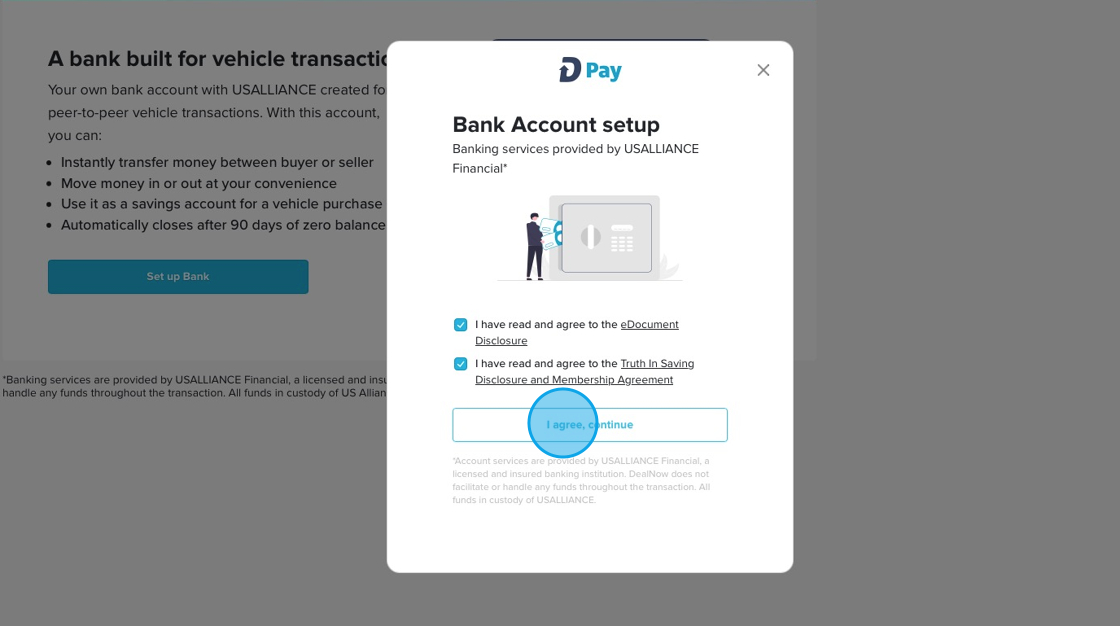
6. Check off both checkboxes and then click "I agree, continue"
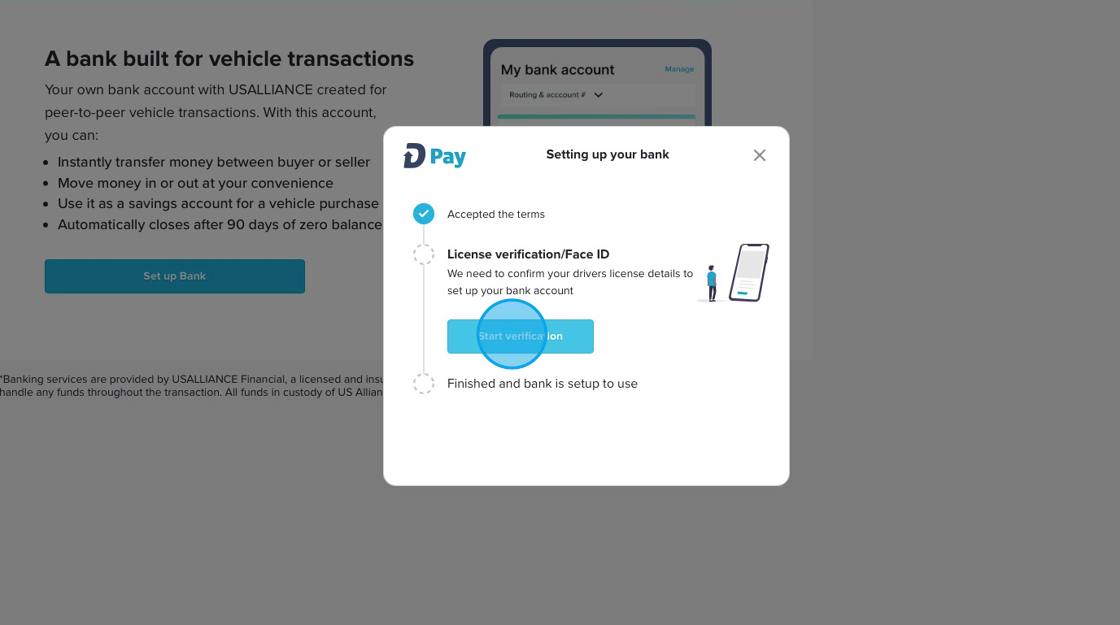
7. Click "Start verification"
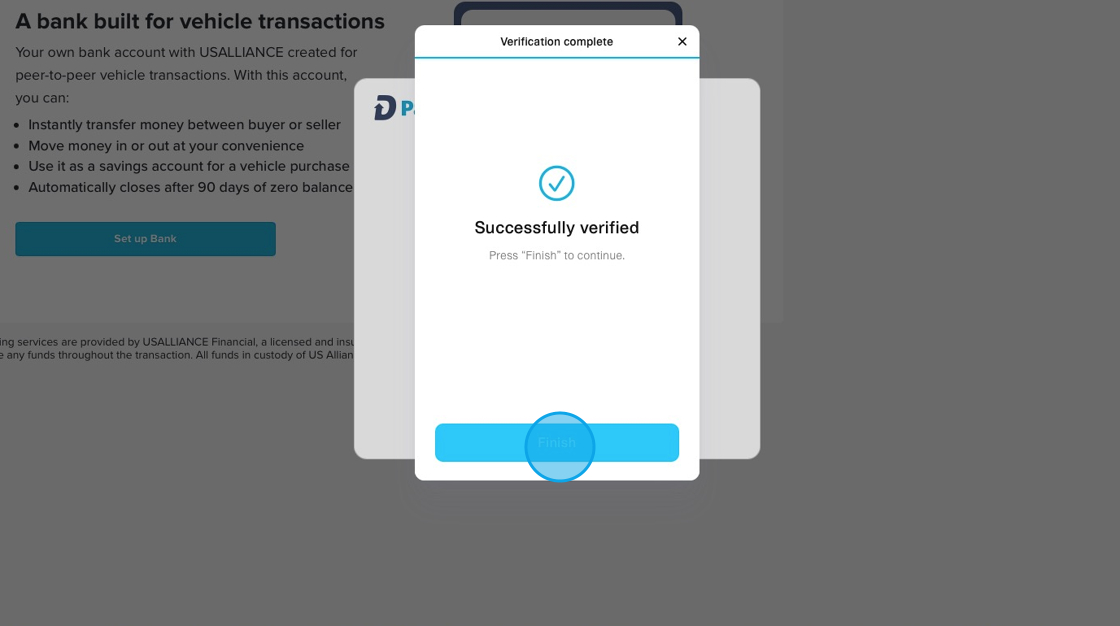
8. You will be walked through the verification process if you have not done so already. Once drivers license is verified you will click "Finish"
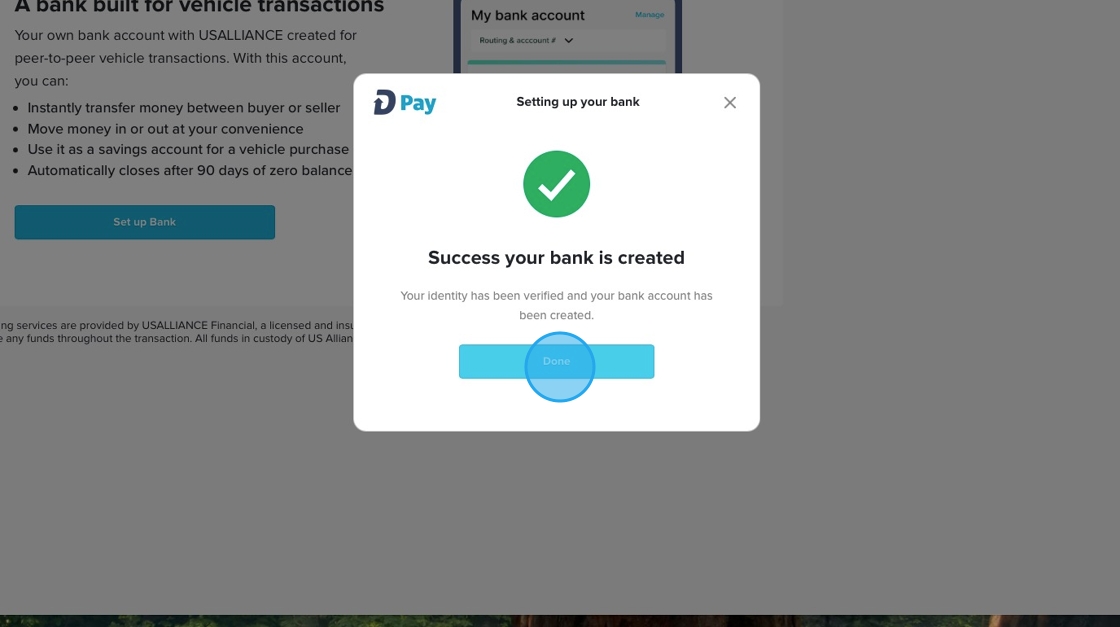
9. Once your Dpay wallet is set up you will see this Success modal and you can click "Done"
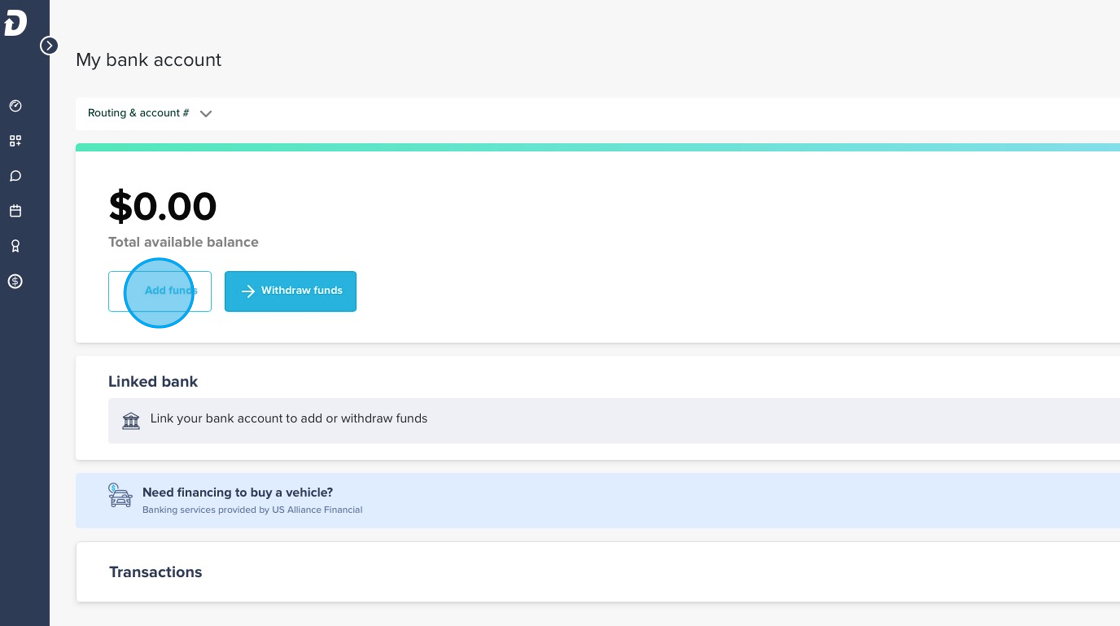
10. Click "Add funds"
11. Click "Text me this info" so you can have the wire instructions texted to your phone. You can take these instructions to the bank you wish to send the money from to initiate the wire.

Account number is unique to your account
Recipient name is your name
You can also review how the wire works
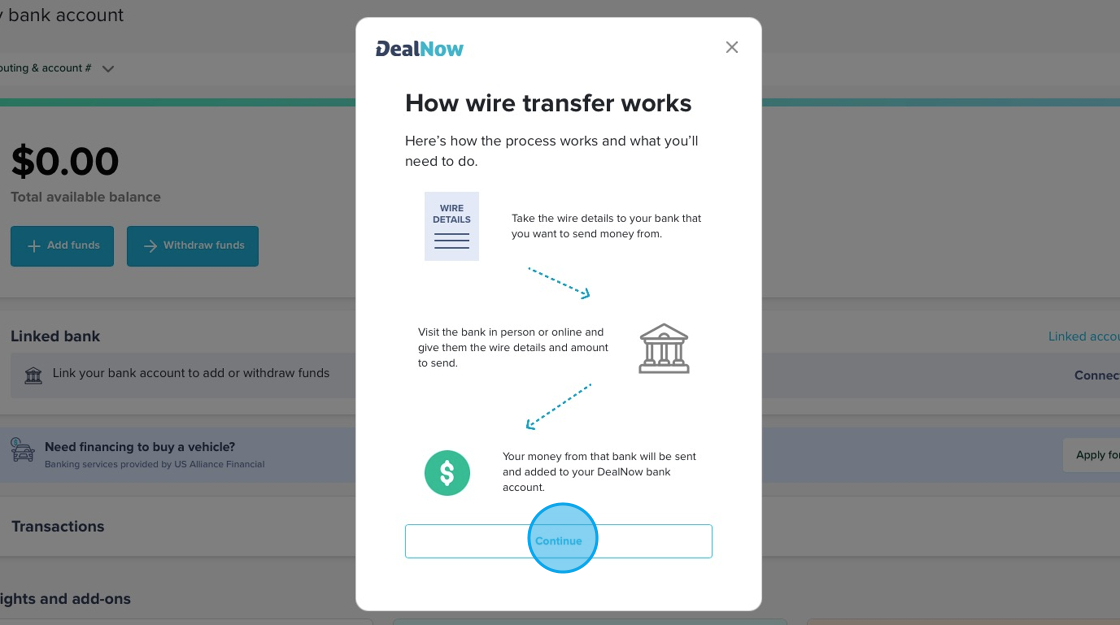
NOTE: Wire transfers need to be initiated from the bank you wish to send the money from.
Wire-transferred funds DON'T process on weekends or holidays, only on business days. Your bank sets their own cutoff times for processing wire transfers. If your bank's cutoff time is 3 pm, a wire transfer you initiate at 3:10 pm won't be processed until the next business day.